
Synchronized clock systems for different building requirements
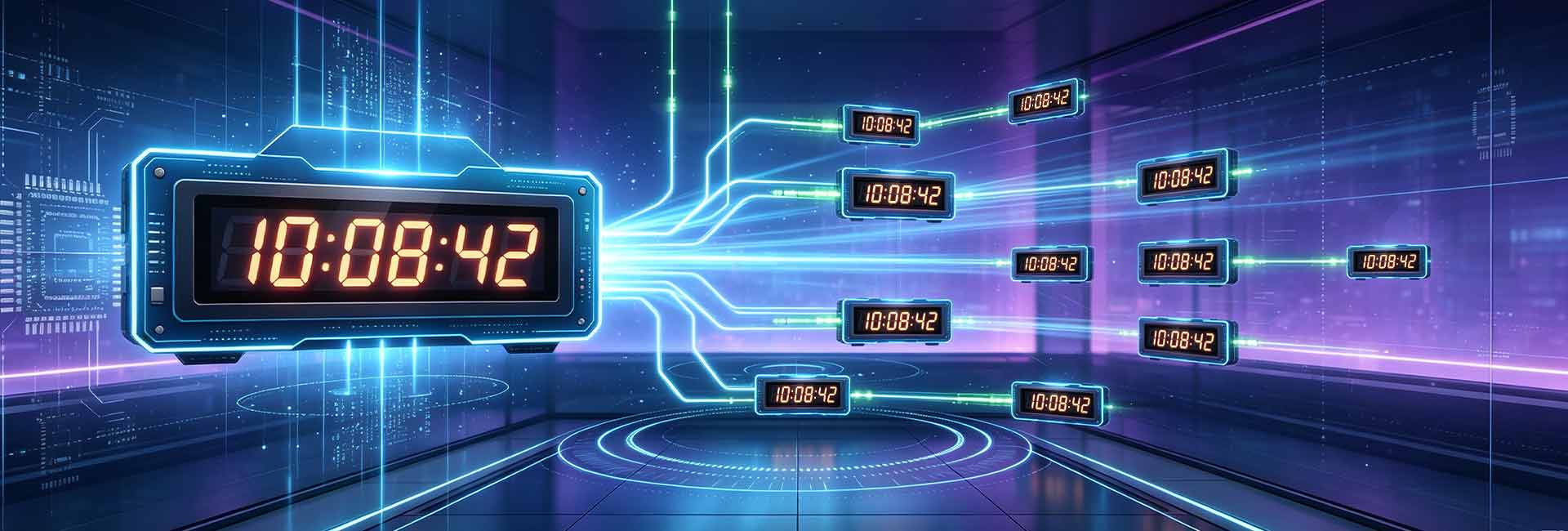
A synchronized clock system connects multiple time displays to a common time reference, allowing clocks throughout a facility or group of facilities to maintain consistent time.
The right system depends on more than the number of clocks. Building infrastructure, communication methods, power availability, installation locations, viewing distance, and future expansion should all be considered when configuring a project.
HC Electronics provides synchronized clock system solutions for schools, offices, factories, healthcare facilities, commercial buildings, transportation facilities, and other professional environments.
Find the right clock system
The main system architectures available from HC Electronics include:
NTP Clock Systems
Designed for installations where clocks can connect to an IP network and receive time information through network infrastructure.
Explore NTP Clock Systems →PoE Clock Systems
Designed for compatible Ethernet environments where network connectivity and power can be provided through the same infrastructure.
Explore PoE Clock Systems →Wi-Fi Clock Systems
Designed for locations where suitable wireless network coverage is available and wired communication is less convenient.
Explore Wi-Fi Clock Systems →GPS/GNSS Clock Systems
Designed for projects requiring a satellite-based reference for the system's time.
Explore GPS/GNSS Clock Systems →Wireless Clock Systems
Designed for installations where dedicated communication cabling is difficult or undesirable.
Explore Wireless Clock Systems →RS485 Master-Slave Clock Systems
Designed for projects that use a centralized wired communication architecture between the time source and clock displays.
Explore RS485 Clock Systems →How to select a clock system
The most suitable architecture is usually determined by the infrastructure already available at the project site.
Existing Ethernet Infrastructure
If Ethernet connectivity is available at clock locations, a network-based solution can use the existing infrastructure.
NTPPoE Infrastructure
If compatible PoE switches and cabling are available, PoE can simplify the connection between networked clocks and their power source.
PoEWireless Network Coverage
Where suitable Wi-Fi coverage exists, wireless network connectivity may reduce the need for additional communication cabling.
Wi-FiLimited Cabling Options
For retrofit projects or buildings where new communication cables are difficult to install, wireless approaches may provide greater installation flexibility.
WirelessDedicated External Time Reference
Where the project requires a satellite-based reference, GPS/GNSS architecture can be considered.
GPS/GNSSCentralized Wired Installation
For projects designed around dedicated communication wiring, an RS485 master-slave configuration may be appropriate.
RS485Build a system around your project
A clock system should be planned around the physical and technical characteristics of the installation.
Number of Clock Locations
Determine the total number of clocks required and how they will be distributed throughout the facility.
Building Layout
Consider the number of floors, buildings, departments, production areas, corridors, and other locations requiring time displays.
Viewing Distance
Clock dimensions and digit height should correspond to the distance from which the display needs to be read.
Power Availability
Identify the type and location of available power at each proposed clock position.
Communication Infrastructure
Determine whether Ethernet, PoE, Wi-Fi, wireless communication, or dedicated wiring is available.
Installation Environment
Indoor and outdoor locations may have different requirements for enclosure, mounting, visibility, and environmental protection.
Future Expansion
If additional clocks, floors, departments, or buildings may be added later, the initial system should allow for potential expansion.
Clock systems by project scale
Single-Building Systems
Suitable for facilities where synchronized clocks are required across classrooms, offices, production areas, corridors, meeting rooms, or other internal spaces.
Multi-Floor Systems
Designed for buildings where clock displays are distributed across several floors and areas.
Multi-Building Systems
Suitable for campuses, industrial sites, institutional facilities, and other projects where multiple buildings require a common time reference.
Large Distributed Installations
Large projects may combine different clock locations, display configurations, and infrastructure conditions while maintaining coordinated time throughout the installation.
Select the right clock display
System architecture determines how time is distributed. The clock itself should then be selected according to the location where it will be viewed.
Standard Digital Clocks
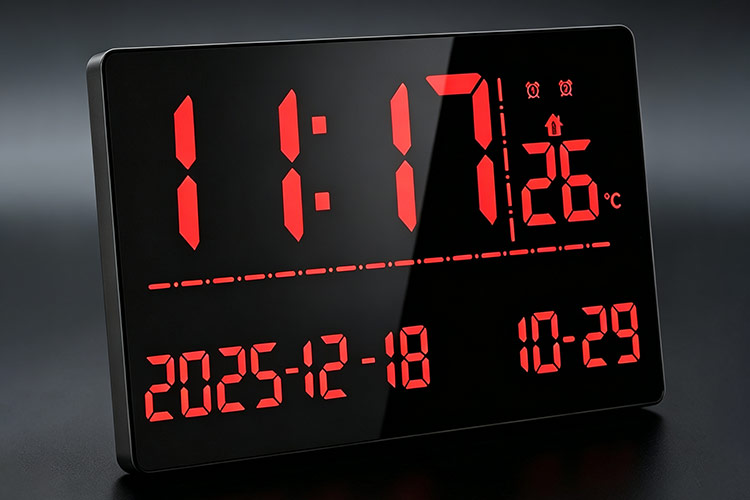
Suitable for offices, classrooms, corridors, and general indoor locations.
Large Digital Displays
Suitable for areas where clocks need to remain clearly visible from greater distances.
Double-Sided Clocks
Suitable for corridors, intersections, open spaces, and other locations where people approach from multiple directions.
Indoor Clock Installations
Configured according to room size, viewing distance, mounting position, and interior conditions.
Outdoor Clock Installations
Require consideration of environmental conditions, visibility, enclosure, mounting, and the location of the display.
Clock system planning process
Define the Project
Identify the buildings and areas that require synchronized time displays.
Determine Clock Locations
List the required clock positions and approximate viewing distances.
Review Existing Infrastructure
Check available network connections, PoE, Wi-Fi coverage, electrical power, communication wiring, and potential time sources.
Select the System Architecture
Choose the architecture that fits the site's infrastructure and project requirements.
Select Clock Configurations
Determine display size, digit height, mounting configuration, and other requirements for each location.
Consider Future Expansion
Allow for possible additional clock locations or buildings when planning the initial system.
Confirm the Configuration
Bring the time source, communication architecture, power arrangement, and clock displays together into one project configuration.
Applications for synchronized clock systems
Synchronized clock systems can be configured for a wide range of professional environments.
Schools and Educational Facilities
Coordinate time displays across classrooms, offices, corridors, laboratories, and shared spaces.
Healthcare Facilities
Provide consistent time displays across departments, treatment areas, corridors, offices, and other facility spaces.
Factories and Industrial Facilities
Deploy clocks across production areas, workshops, warehouses, offices, and employee areas.
Office and Commercial Buildings
Provide coordinated time displays throughout workspaces, meeting rooms, reception areas, and common areas.
Transportation Facilities
Use highly visible synchronized displays across stations, terminals, waiting areas, and operational spaces.
Institutional and Public Buildings
Provide consistent time information throughout government, institutional, and public facilities.
System components
A complete project may include several interconnected elements:
The exact combination depends on the selected system architecture and project conditions.
Why plan the system as a whole?
Selecting clocks individually may not provide the most practical solution for a multi-location installation.
A system-level approach considers the time reference, communication infrastructure, power, display requirements, installation environment, and future expansion together.
This helps ensure that the selected clocks and system architecture work as one coordinated installation.
HC Electronics works with distributors, contractors, system integrators, schools, factories, commercial facilities, and other organizations to configure synchronized clock projects according to their requirements.
Request a clock system configuration
Planning a new synchronized clock installation? Send us the basic project information — our team can review the project requirements and help determine a suitable clock system configuration.
Explore clock system solutions
Frequently asked questions
What is a synchronized clock system?
A synchronized clock system is an installation in which multiple clock displays maintain a common reference time.
How do I choose between different clock system architectures?
Start by reviewing the infrastructure available at the installation site, including Ethernet, PoE, Wi-Fi, electrical power, existing wiring, and the required time reference.
Can one system cover multiple buildings?
Yes. Multi-building projects can be configured according to the communication infrastructure and requirements of the site.
Can different clock sizes be used in the same project?
Yes. Different locations may require different display sizes or mounting configurations according to viewing distance and installation conditions.
Can additional clocks be added later?
A system can be planned for future expansion. The ability to add clocks later depends on the selected architecture and available infrastructure capacity.
Do all synchronized clock systems require a master clock?
No. The system architecture determines how the reference time is obtained and distributed.
Can HC Electronics help configure a complete system?
Yes. Project information such as clock quantity, building layout, infrastructure, installation conditions, and display requirements can be used to develop a suitable system configuration.
Start your clock system project
Whether you are equipping a single building or planning synchronized time displays across multiple facilities, the system should be configured around the actual requirements of the project.
Share your project details with HC Electronics to discuss the appropriate system architecture and clock configuration.
Request a System Configuration →