
Synchronized Clocks
Browse synchronized clocks by display type, connection requirements and time reference. Compare the categories below to find a starting point for your project, then visit the relevant product page for configuration details.
Whether you are selecting clocks for a new installation or adding to an existing setup, start with the available infrastructure, required display format and installation conditions.
Browse Synchronized Clock Categories
Synchronized Digital Clocks
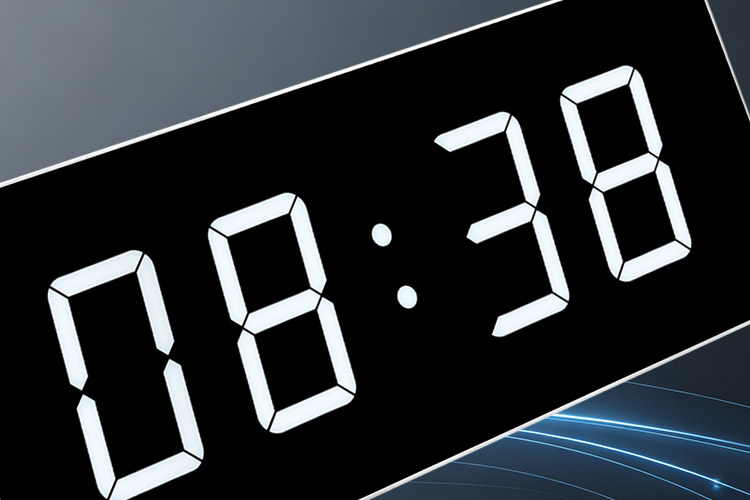
Synchronized digital clocks provide a clear numerical time display for professional installations.
Different display sizes, digit heights and configurations are available to suit different viewing distances and installation requirements.
NTP Clocks
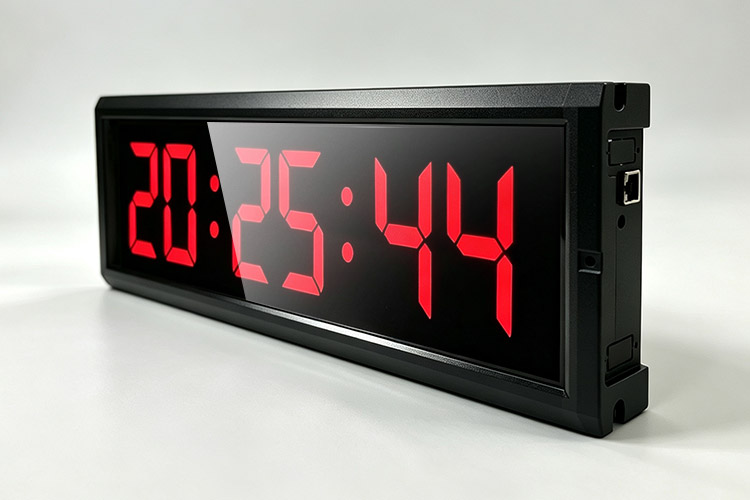
NTP clocks synchronize their displayed time through the Network Time Protocol.
They are designed for installations where clocks can access an NTP time source through a network connection.
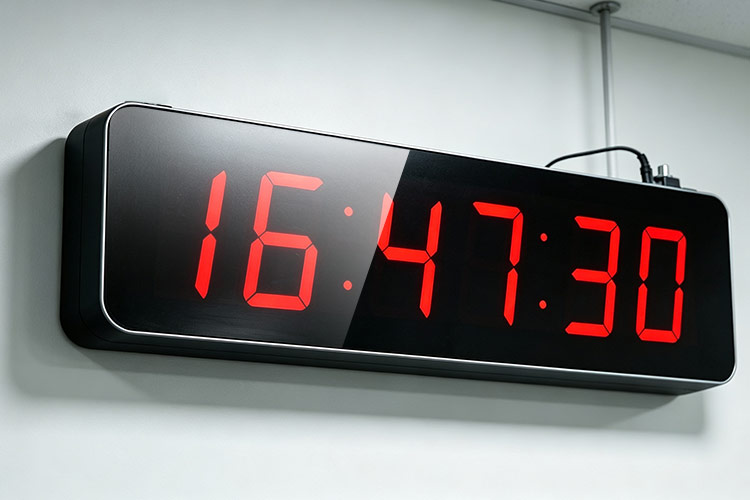
PoE Clocks
PoE clocks are designed for installations using compatible Power over Ethernet infrastructure.
A single Ethernet connection can provide both connectivity and power to the clock, making PoE a practical product option for suitable network installations.
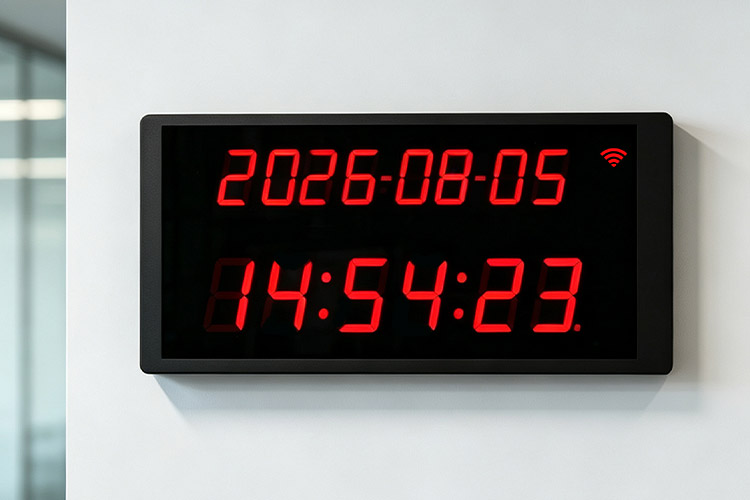
WiFi Synchronized Clocks
WiFi synchronized clocks provide a wireless network connection for synchronized time display.
They are available for projects where a wireless network connection is preferred at the clock location.
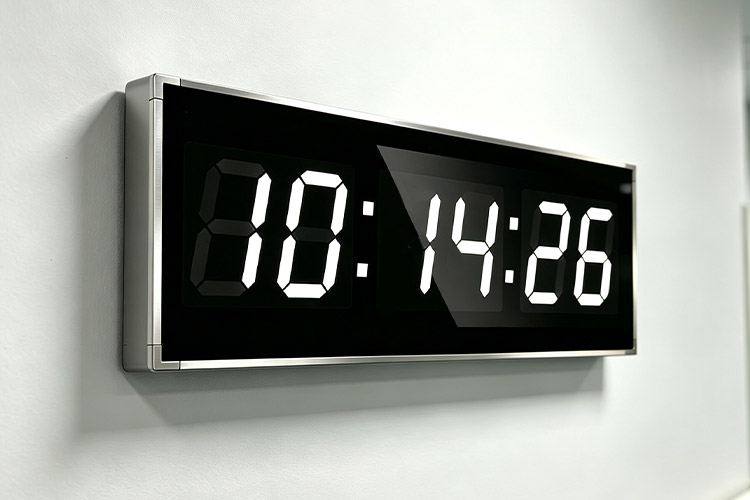
Wireless Synchronized Clocks
Wireless synchronized clocks are designed for clock installations that use a dedicated wireless communication method.
They provide an alternative product configuration when a wired connection between clock locations is not required.
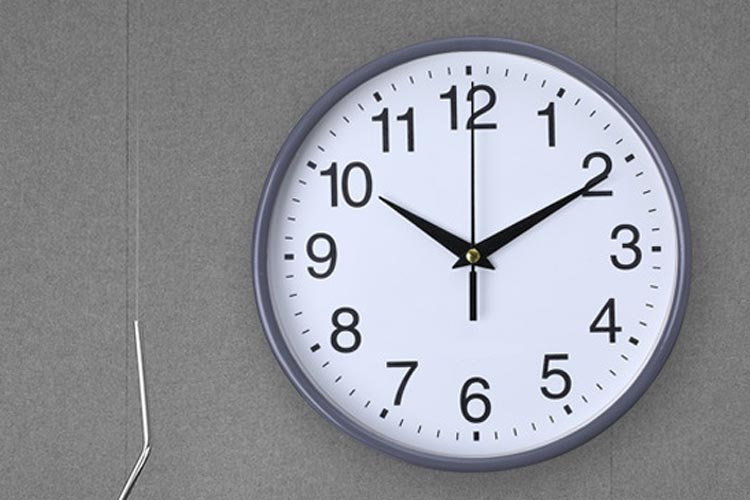
Analog Synchronized Clocks
Analog synchronized clocks provide a traditional clock-face display while maintaining synchronized time.
They are available for projects where an analog appearance is preferred over a digital display.
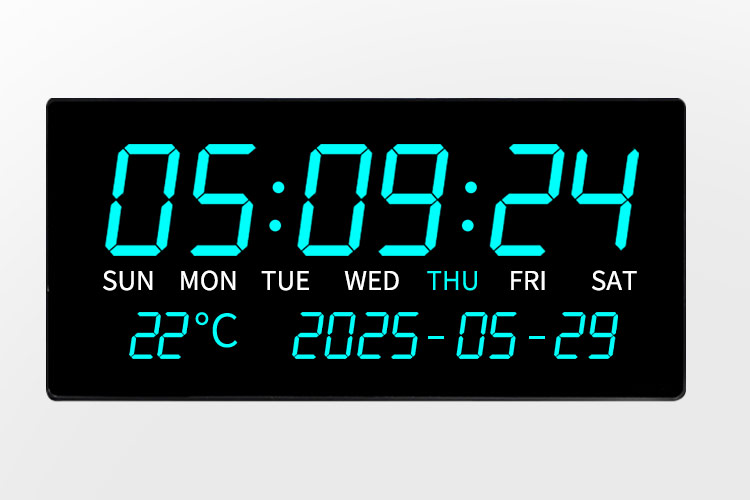
Master Clocks
Master clocks serve as a central reference within a synchronized clock installation.
They can be used as part of systems containing multiple synchronized clock displays.
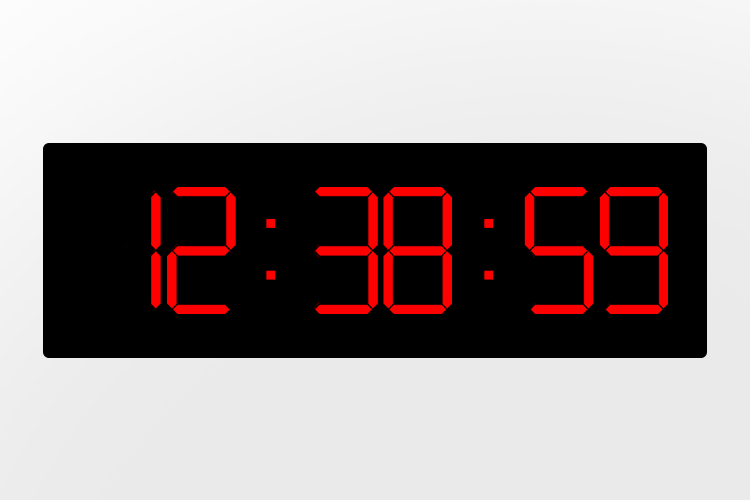
Slave Clocks
Slave clocks receive time information from a master clock or centralized time source to maintain synchronized time.
They are designed for installations where multiple clock displays need to follow a common reference time.
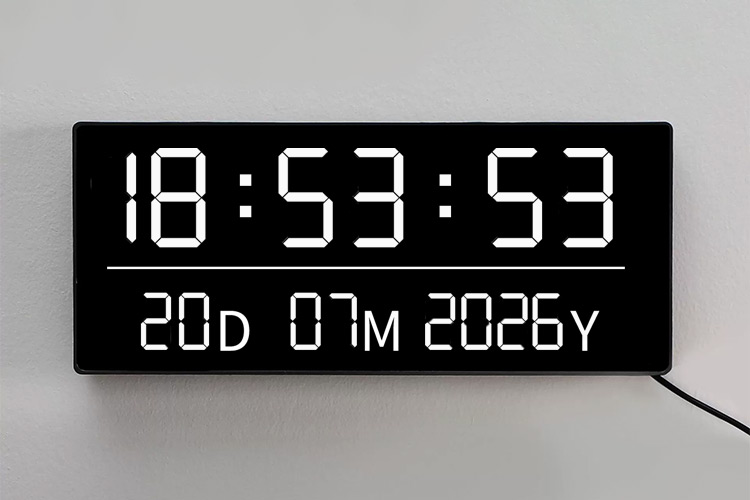
Wired Synchronized Clocks
Wired synchronized clocks use a physical communication connection to distribute time information between the synchronization source and connected clocks.
They are suitable for installations where a dedicated wired clock network is preferred.
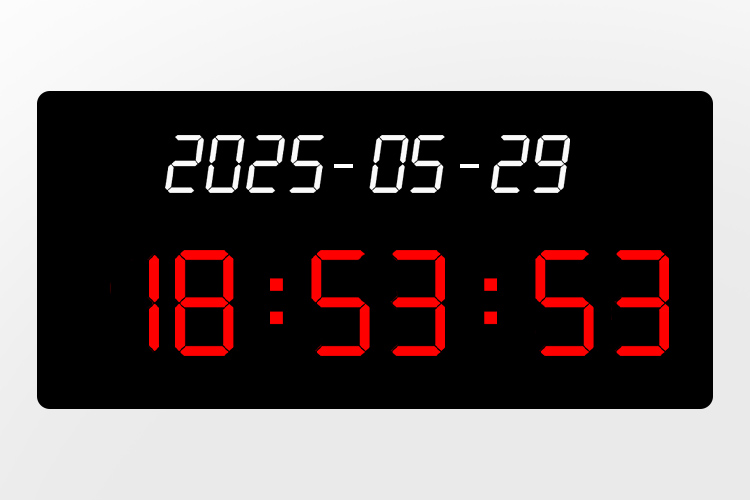
GNSS Synchronized Clocks
GNSS synchronized clocks use signals from compatible Global Navigation Satellite System sources to obtain a reference time.
They provide a satellite-based synchronization option for suitable clock installations.
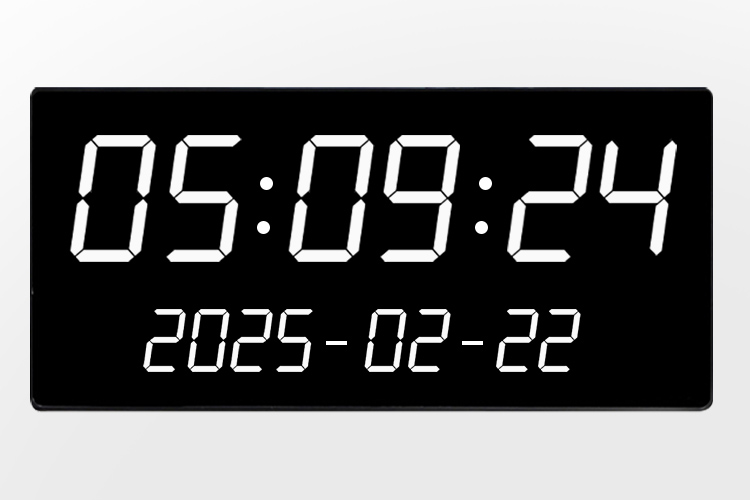
GPS Synchronized Clocks
GPS synchronized clocks use GPS signals as an external time reference.
They can be used where satellite-based time synchronization is required for a clock installation.
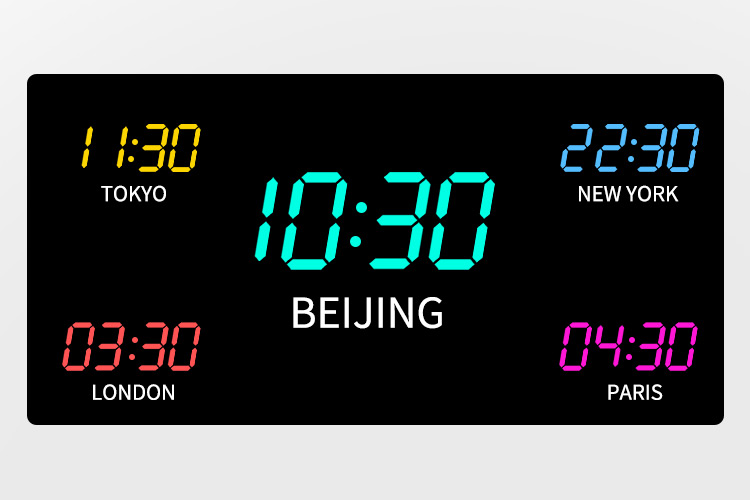
Time Zone Synchronized Clocks
Time zone synchronized clocks are designed to display synchronized time for different time zones within the same facility or clock installation.
They are suitable for locations where teams, operations or visitors need to reference time in multiple regions.
Compare our clock products
These categories describe different aspects of a clock, including its display, connection, power arrangement and timing role. They are not mutually exclusive: a digital clock may also use NTP synchronization and PoE power. Check the selected model for the combination your project requires.
| Clock Category | What It Identifies | What to Check |
|---|---|---|
| Synchronized Digital Clocks | Numerical display format | Digit height, display information and viewing position |
| NTP Clocks | Network time synchronization | Supported time source and network requirements |
| PoE Clocks | Ethernet power arrangement | PoE requirements and supported synchronization method |
| WiFi Synchronized Clocks | Wireless LAN connection | Network compatibility and power supply |
| Wireless Synchronized Clocks | Dedicated wireless clock communication | Compatible transmitter or timing source |
| Analog Synchronized Clocks | Clock-face display format | Movement, synchronization method and mounting |
| Master Clocks | Central timing or control role | Supported outputs and compatible receiving clocks |
| Slave Clocks | Receiving-clock role | Compatibility with the existing master or timing source |
| Wired Synchronized Clocks | Physical timing connection | Interface, wiring requirements and compatibility |
| GNSS Synchronized Clocks | GNSS-referenced timing | Supported configuration and receiver arrangement |
| GPS Synchronized Clocks | GPS-referenced timing | Supported configuration and receiver arrangement |
| Time Zone Synchronized Clocks | Multiple time-zone display | Number of zones and time-zone settings |
Know the clock type, size, quantity or connection method? Send the details and we will confirm a configuration.
Define Your Clock Requirements
Display Requirements
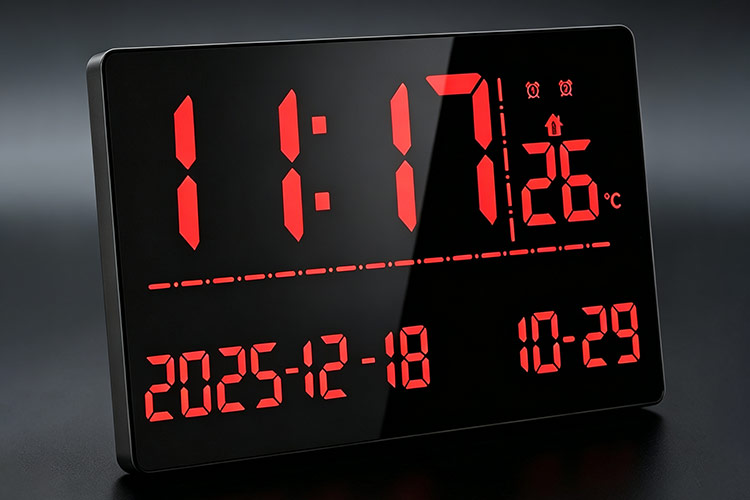
Specify your preferred digital or analog display, approximate viewing distance and required display size. For digital clocks, note whether you need hours and minutes, seconds, date information or multiple time zones. Indicate whether the display will be viewed from one direction or from opposite sides.
Installation Requirements
Describe the proposed mounting position, available space and viewing angle. Include the mounting height and whether the clock will be installed on a wall, suspended from a ceiling or fitted into another structure. Note any moisture, dust, weather exposure or cleaning requirements that need to be considered.
Power Requirements
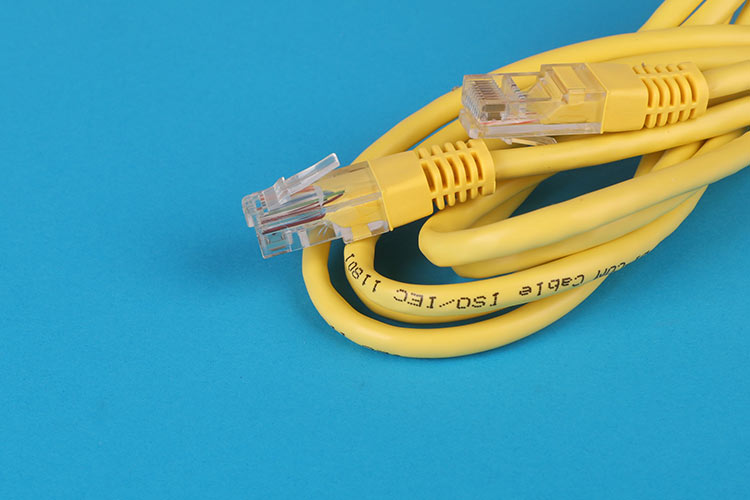
Identify the power source available at each clock location, such as an electrical outlet, an existing low-voltage supply or PoE equipment. Include the supply voltage or PoE specifications where known. State the power requirements separately from the preferred network or communication connection.
Connection Requirements

Describe the available Ethernet or Wi-Fi network, dedicated wireless clock equipment or existing clock wiring. Where known, provide the time synchronization protocol and communication interface. For existing cables, include connection details rather than relying on the cable or connector appearance alone.
Quantity & Location Requirements
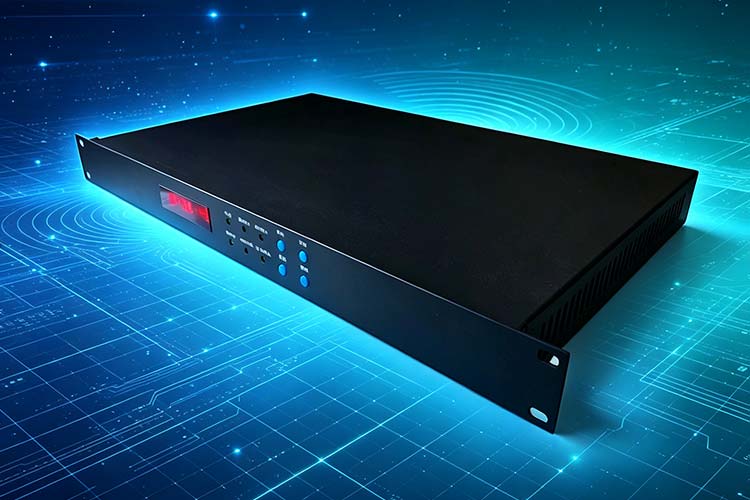
Provide the estimated number of clocks and how they will be distributed across buildings, floors or departments. Identify locations requiring different display sizes, mounting arrangements or connections. Include any planned additions so the initial requirements and future expansion can be reviewed together.
Compatibility Requirements
For replacement clocks or extensions to an existing installation, provide the manufacturer and model of the current master clock or time server and receiving clocks. Share available manuals, equipment labels and connection details. Identify any existing equipment that must remain in service.
Need Help Selecting a Product?
If you already know the required clock type, display size, quantity or connection method, you can proceed directly to the relevant product category.
If your requirements are not yet defined, provide the basic project information and HC Electronics can help identify suitable product configurations.
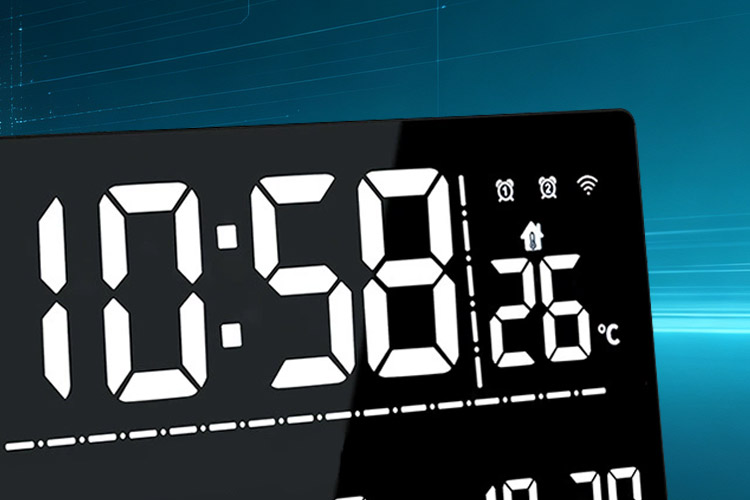
Synchronized Clock Selection Questions
Can a clock belong to more than one category?
Yes. Display format, network connection and power supply describe different characteristics, so a clock may belong to more than one category. Review the individual product page to confirm which features are available together.
Can I add new clocks to an existing installation?
Compatibility needs to be checked before selecting additional clocks. Share the existing master clock or time server details, communication interface, power arrangement and current clock models so the connection requirements can be reviewed.
What information should I provide for clock selection?
Send the requirements you already know using the enquiry form below. You do not need a complete specification to begin. Include any available site plans, equipment photos or technical documents, and indicate which details still need to be confirmed.
Find Your Clock Product
Browse the available synchronized clock categories or tell us what you need for your installation.
HC Electronics can help you identify a suitable clock configuration based on display type, size, connection method, mounting requirements and other project specifications.